colinear docs
- Demo mode —
coli demo: a populated board, no account, nothing billed - Getting started — install, configure, dispatch your first issue
- Security & blast radius — what colinear can touch, what it can't, where your data lives
- How dispatch works — the triage → work → checks pipeline, messaging agents, sessions
- Configuration — every option and its default
- Remote daemon — run the daemon on a VM, drive it over ssh (work in progress)
- Docker — the daemon (and therefore agents) in a container (work in progress)
- CLI —
coli,init,daemon,gc,contexts,doctor - Architecture — how it works inside
Views
: opens the command bar; tab completes. Most views also have a short alias.
| view | aliases | what it's for |
|---|---|---|
:issues |
i is |
browse the tracker and dispatch agents |
:board |
b bo |
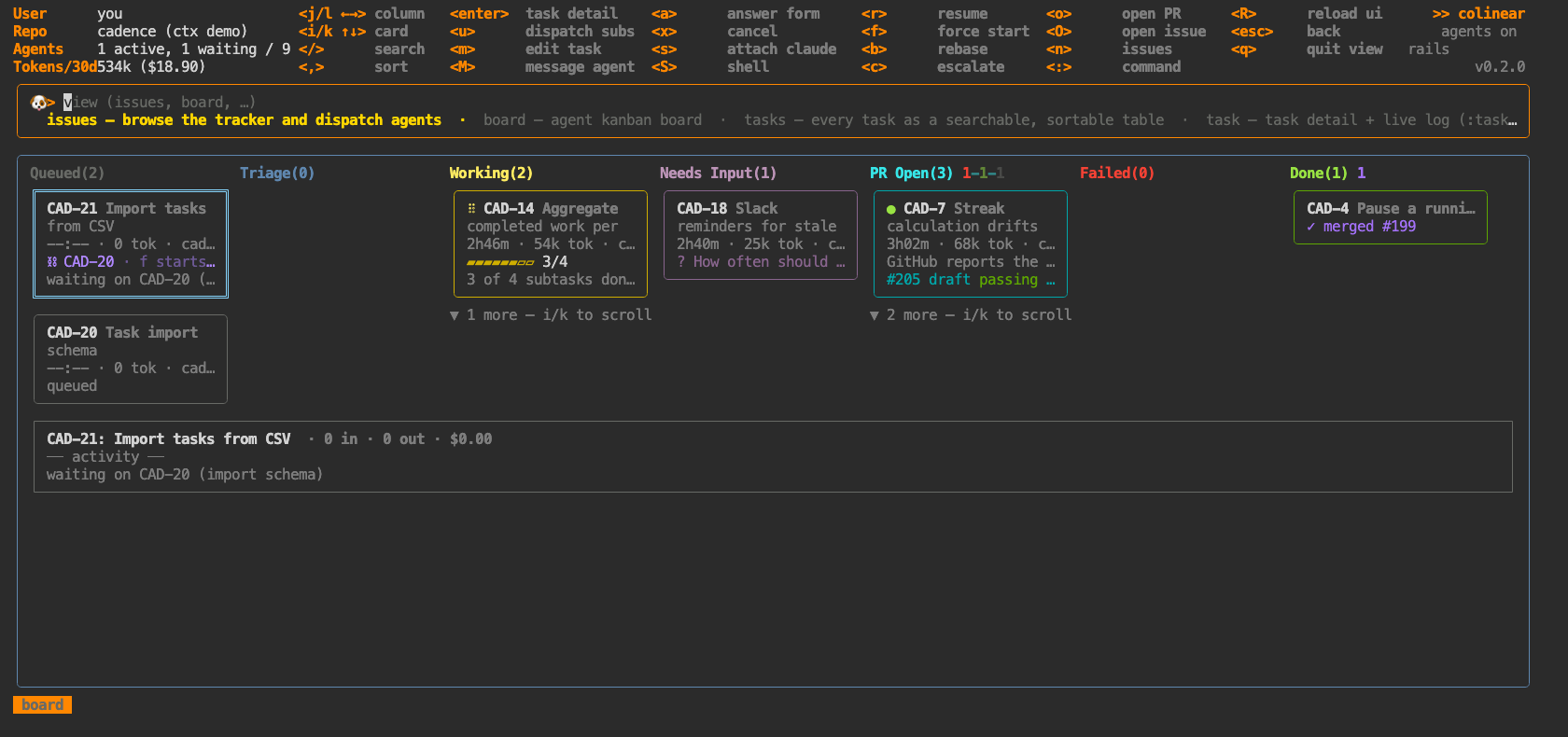
agent kanban board |
:tasks |
ls t |
every task as a searchable, sortable table |
:task |
ta |
task detail + live log (:task CLOUD-123) |
:projects |
pj proj |
projects in the tracker |
:project |
p |
project kanban (:project NAME) |
:plan |
chat |
project planning chat (:plan PROJECT) |
:reviews |
rev pr |
PRs awaiting my review + assisted pre-review |
:todo |
next agenda recs |
what to do next: reviews, waiting agents, deadlines, ranked |
:costs |
cost $ |
spend per ticket |
:logs |
log debug |
live debug log (what colinear is actually doing) |
:diff |
selfreview |
read a task's own branch before promoting its draft PR |
:agents |
ps |
every agent running right now, and what started it |
:family |
fam subs |
split work: every tracking parent and its sub-issue tasks |
:gc |
disk |
reclaim worktree disk and finished cards |
:chan |
channel irc |
coordination channels (experimental — :chan CLO-67) |
:config |
cfg |
view & edit colinear config |
:help |
h |
views, keys, custom view schema |
Global keys
| key | what |
|---|---|
: |
command bar — a view name, optionally with an argument (:task CLO-142) |
? |
help |
esc |
clear filters, then go back |
q |
back, or quit at the root |
R |
reload the frontend on new code — agents keep running |
ctrl+c |
quit |